

- After downloading Cobo Guard, open the app and you will be prompted to set up a PIN code for your iOS device.
-
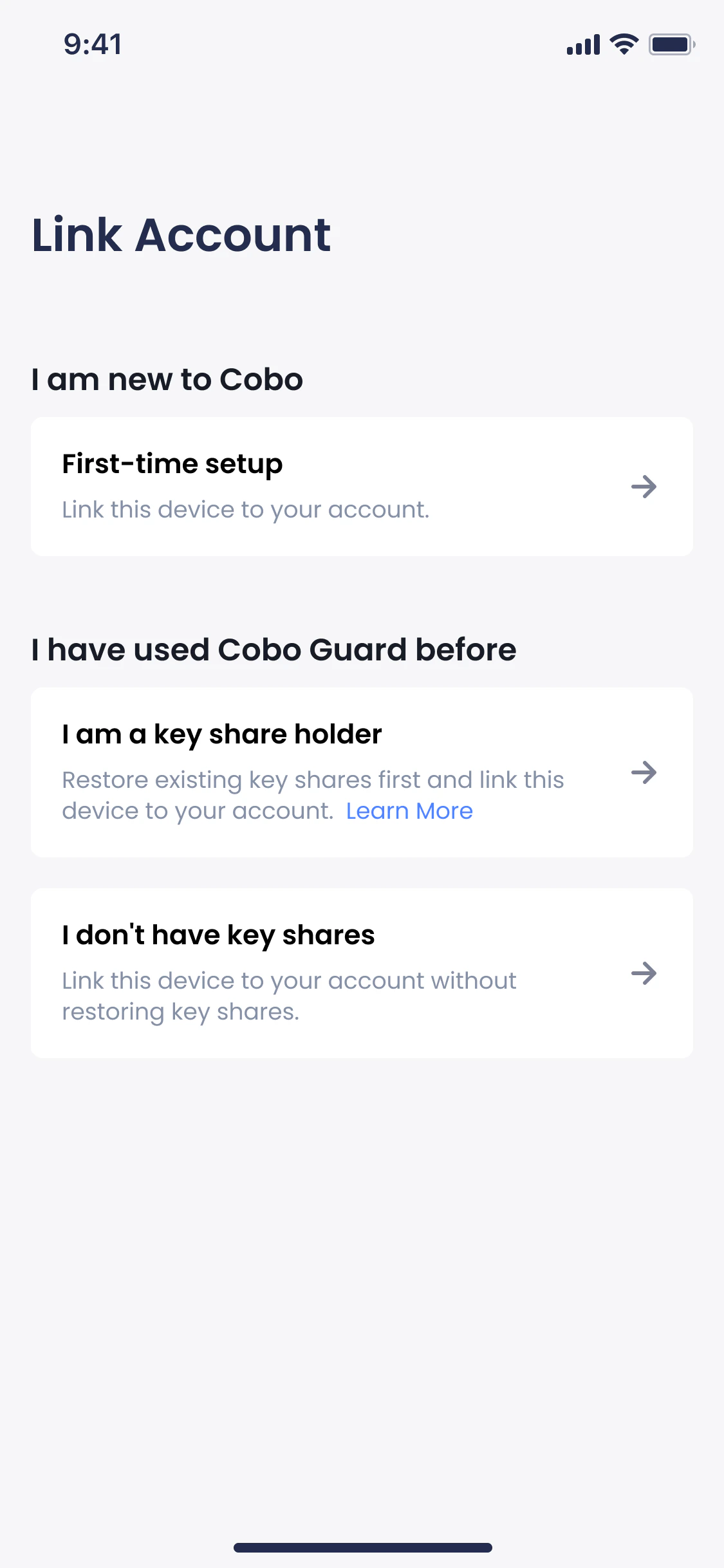
After setting up the PIN code, you will be prompted to select your case. Select First-time setup.
- On your web browser, log in to your Cobo Accounts.
-
In the MFA Management section, click Add next to Cobo Guard.
 Once you set up Cobo Guard as an MFA method, it will be automatically used as a login method.
 - On the Download Cobo Guard page, click Continue.
- On the Set Up Cobo Guard page, you will see a QR code.
-
Open your Cobo Guard app and tap
 to scan the QR code.
- On your Cobo Guard, you will see a Link Cobo Accounts page. Click Link.
GET STARTED
Set up Cobo Guard
A step-by-step guide on setting up Cobo Guard for secure multi-factor authentication, essential for protecting your crypto accounts.
This guide describes how to set up Cobo Guard and link it to your Cobo Accounts to use it as a multi-factor authentication (MFA) method for login and operation approval.
Was this page helpful?