

Difference Between Cobo Accounts and Cobo Portal account
Cobo Accounts and Cobo Portal are two separate account systems, but they are interconnected:- Cobo Accounts: This is the unified identity account for Cobo, mainly used for authentication and security management (such as password and MFA setup).
- Cobo Portal: This is Cobo’s digital asset wallet platform. When a user accepts an organization invitation and activates their membership, the system also provisions a Cobo Account for them.
Reinviting a deleted Cobo Portal member
As explained above, Cobo Accounts and Cobo Portal are two separate account systems, but they are interconnected. When a user accepts an invitation to join a Cobo Portal organization and activates their membership for the first time, a Cobo Account is provisioned for them and MFA is set up during the process. If they are later removed from the Cobo Portal organization, the Cobo Portal membership is deleted, but the MFA information in Cobo Accounts remains. Therefore, when the same email is invited again as a Cobo Portal member, the system will require an MFA code. If the user no longer has access to the MFA, they will not be able to join the organization. Solutions:- Use a different email address for the new invitation;
- Or contact Cobo’s customer support at help@cobo.com to reset MFA.
Forgot the login password for my Cobo Accounts
If you have chosen to use your email and password for logins and have forgotten your password, please click Forgot your password? on the Cobo Accounts login page. You will need to complete an email verification and proceed to reset your password. For security purposes, if you enter an incorrect password consecutively more than 10 times, your Cobo Accounts will be temporarily frozen. To unfreeze your account, click Forgot your password? and follow the steps to reset your password.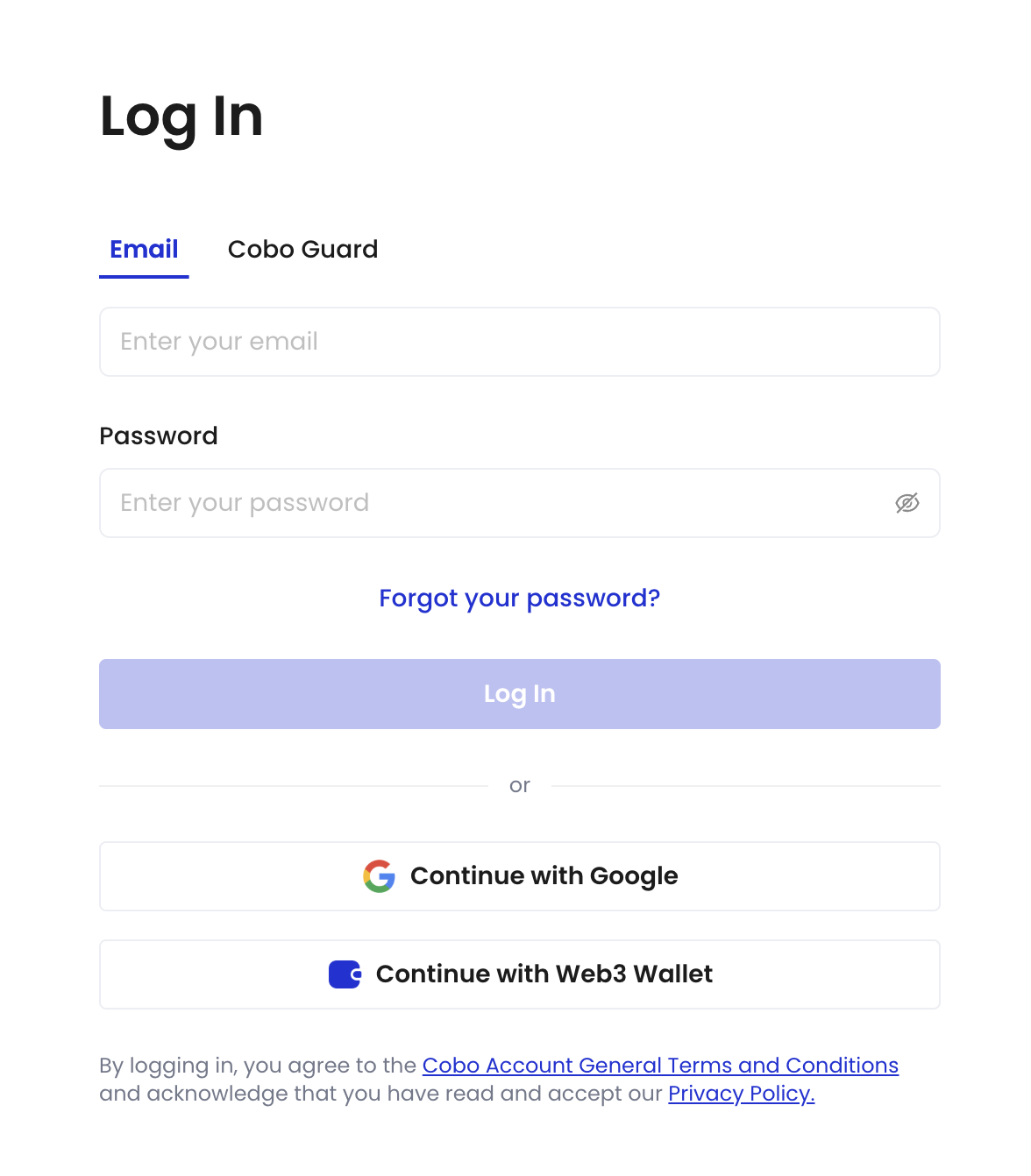
Passkeys failed to work properly
Please make sure that your devices meet the following criteria:- Laptops or desktops running Windows 10, macOS Ventura, ChromeOS 109, or later versions.
- Mobile devices running iOS 16, Android 9, or later versions.
- Physical security keys that support the FIDO2 protocol.
- Chrome 109 or later
- Safari 16 or later
- Edge 109 or later
- Screen lock
- Bluetooth